
Workflow Examples
Purchase this learning path for full access!
Purchase Learning PathUser membership ID:
LP access: int(0)
LP started: NULL
Purchase Required
You are currently viewing a preview of this learning path. Purchase this learning path have full access!
Learning Path Content & Exercises
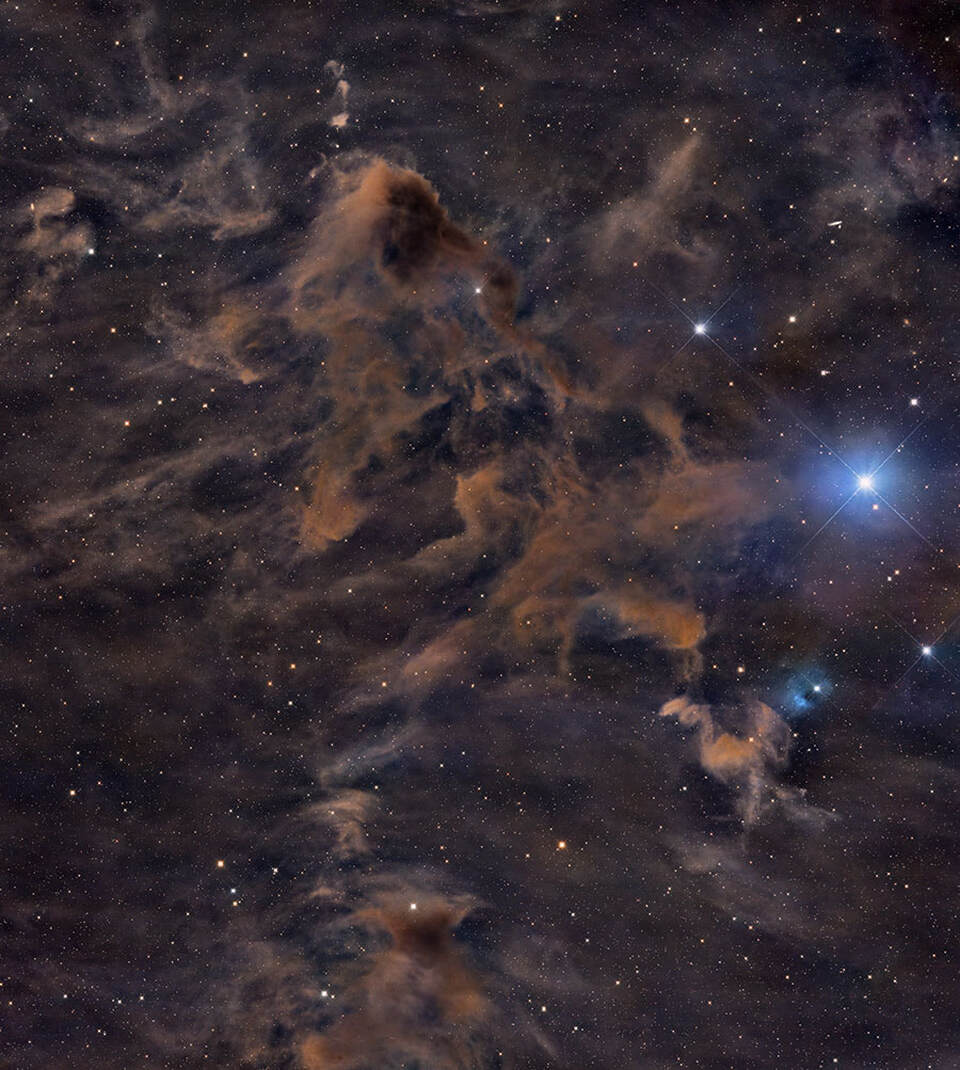
LDN 183 (RGB)
of modules completed 0%

Recommended Path to View Lessons
This PDF simply explains the suggested order to watch all of the lessons (modules) from the JumpStart and Core bundles. These two bundles combined comprise…
LDN 183 Data Download
Published 2024-06-03 These are the Zipped files for the LDN 183 data. Remember if you are using a Mac to unzip these you need…
Examine Data
Published 05/27/2024 It will not be a surprise for viewers to see I highlight how important it is to look closely at all of the…
WBPP Setup and Interactive Local Normalization
Published 05/27/2024 This tutorial shows a standard instance of setting up WBPP. This data set, because it is widefield imagery with GEM mount and light…
Normalize Scale Gradient (Alternative)
Published 05/27/2024 This tool specializes in the normalization of data. Understanding how it works can be very useful in certain scenarios.
Examine Registered Images (Diffraction Twist)
Published 05/27/2024 Not only is it important to examine the data initially- but also at each step that images are outputted. In this case the…
Gradient Correction
Published 05/27/2024 This data suffers from an extreme light pollution gradient arising from the dome of light the city of Tucson generates. GradientCorrection in combination…
SPCC and Fix Diffraction Pattern Problem
Published 05/27/2024 In this video a smaller set of frames is integrated and those stars are used instead of the ones from the full integration.…
Star De-Emphasis using BlurXTerminator
Published 05/27/2024 As shown in many other videos, this is a somewhat go to/standard method of star de-emphasis these days since BlurXTerminator does such an…
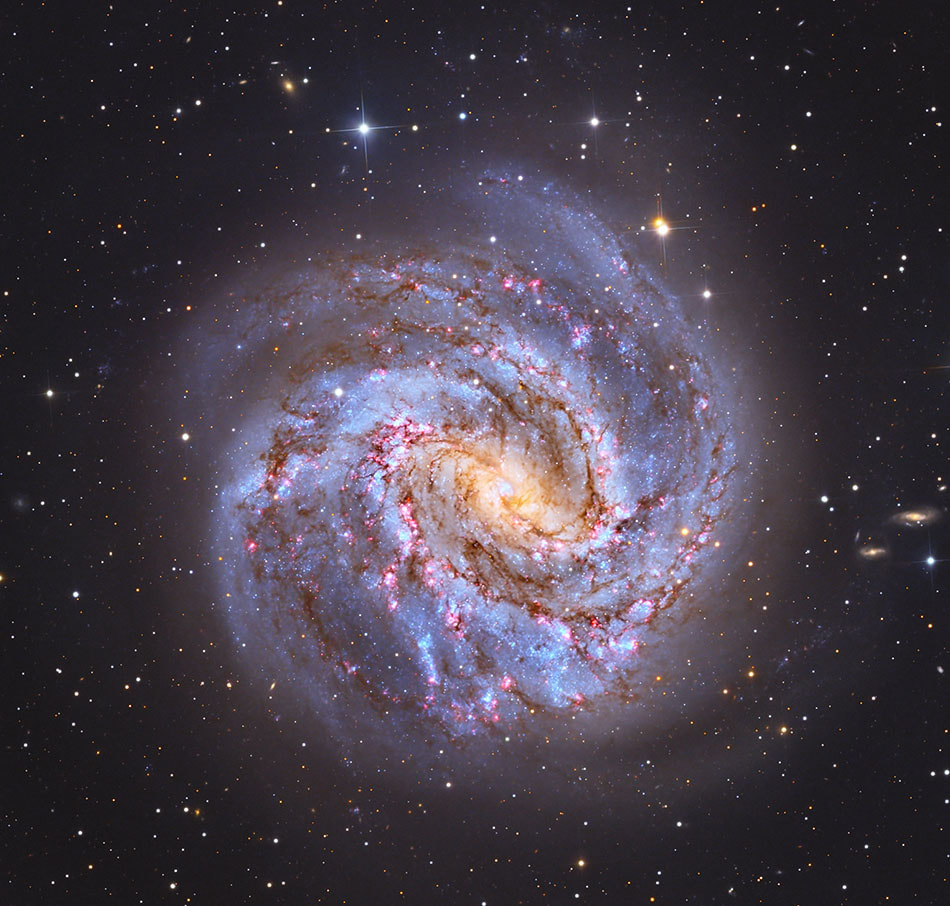
M83 LRGB
of modules completed 0%
M83 LRGB Data Download
This is the M83 data provided by Telescope Live and processed in AdamBlockStudios (Workflow Examples). If you should use these images and publish your own…
LRGB Overview/Summary
Published 2024-05-18 This is a summary of the LRGB workflow. Watch this in the beginning if you can “visualize” most standard steps. Otherwise, review…
Introduction to LRGB Imagery
Published 05/14/2024 This video introduces the idea of LRGB imagery and contrasts what it meant in the past compared to today’s usage. LRGB blending as…
First Step... Examine the Data!
Published 05/14/2024 I cannot stress how important it is to look at *all* of the images- even the calibration frames- before processing. Time and…
WBPP Setup
Published 05/14/2024 This video demonstrates the standard setup for WBPP in the case the data is already calibrated. The calibration steps are skipped and only…
WBPP Execution and Results
Published 05/14/2024 This section is a reminder of what diagnostic tools are available after the completion of WBPP. In this case there were no problems-…
ChannelCombination
Published 05/14/2024 This video clarifies and makes explicit that once you have RGB masters… just put them together with RGBCombination. There aren’t any common processing…
SPCC, Super Luminance and Dynamic Crop
Published 05/21/2024 In this video I show a method of combining images (all the LRGB images) to create a super luminance. I have modified…
Luminance Preparation (M83 Demo)
Published 05/17/2024 In this video the Luminance is prepared by taking into account brightness levels at each step. HDRMT is also used to manage…
LRGB with ImageBlend (M83 Demo)
Published 05/17/2024 This video demonstrates an old-now-new approach in Pixinsight for blending LRGB images. It is more flexible and easier to avoid bad blends that…
Final Processing
Published 05/17/2024 This video highlights the final processing that are the kinds of choices that I make. This is not a prescription, but instead the…
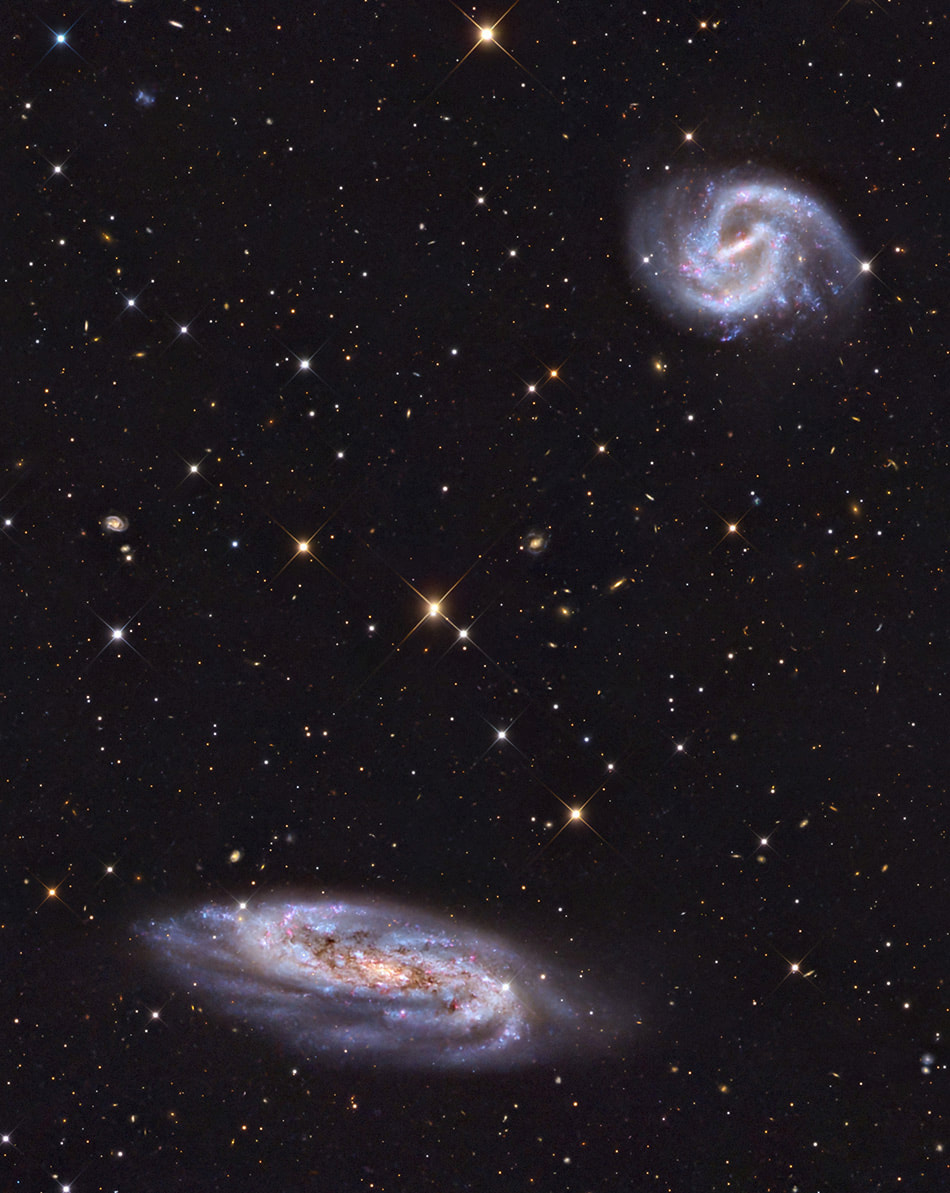
First Light Demo (Two great galaxies!)
of modules completed 0%
First Light Demo: WBPP and Selective Rejection
Published: 2025-06-29 In this first lesson we look at the data and figure out a means of dealing with many kinds of imperfections. This…
First Light Demo: NSG
Published 2025-06-29 The previous lesson showed the setup for Selective Rejection by cutting out bad parts of a subset of images. The key to success…
First Light Demo: Gradient Correction (DBE)
Published 2025-06-29 Like any image- even under the darkest skies- gradient removal is always necessary. In this example Multiscale Gradient Correction is not available…
First Light Demo: SPCC and BXT
Published 2025-06-29 The images of this field needs to be color calibrated in the standard way with SPCC. Then the magic of BXT is…
First Light Demo: Masked Stretch vs HDRMT
Published 2025-06-29 This is perhaps the most important section of this small series. One of the most popular requests is to understand how to…
First Light Demo: ImageBlend and Multiply
Published 2025-06-29 This lesson highlights another path towards improving an image and again demonstrates the kinds of post processing options that are available for…
First Light Demo: Black Level and Galaxy Glow
Published 2025-06-29 This is a final wrap up of the processing that was done to give the image the greatest impact. A key point…
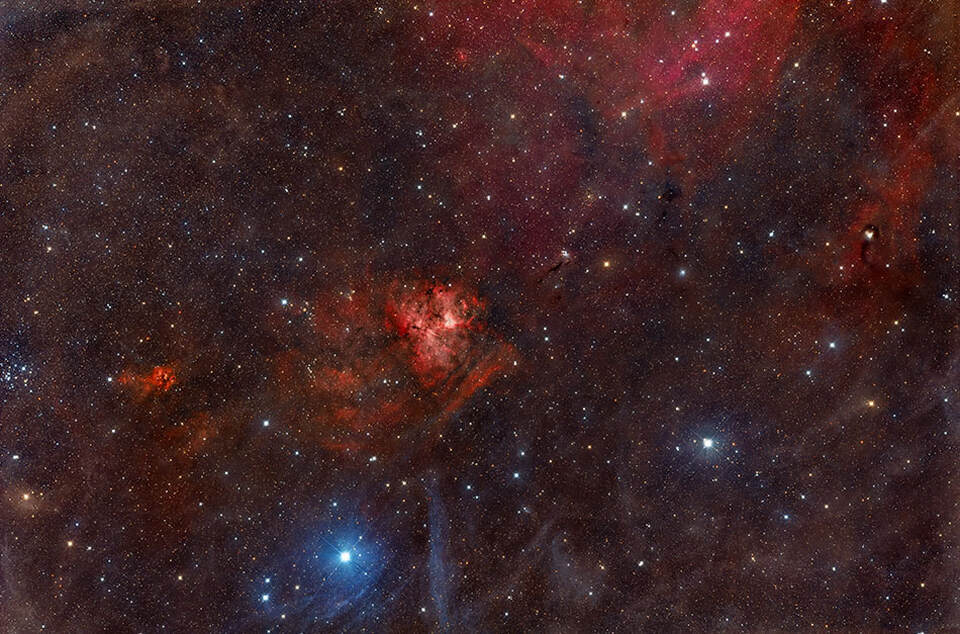
NGC 1491
of modules completed 0%
NGC1491 Data Download
Published 2023-12-15 These are the data files you can download to follow along with me in the processing of the NGC 1491 workflow example. The…
PreFlight: File Inspection
Published 12/12/2023 Taking a few minutes to look at the raw calibration images and light frames will potentially save time and frustration later (if there…
Configure WBPP
Published 12/12/2023 Configuring WBPP (the pipeline) is a fundamental skill to processing in PixInsight. Remember to make your Cosmetic Correction instance first. Check and double…
Local Normalization: Usage and Demonstration
Published 12/12/2023 Local Normalization is often overlooked in its importance (and effects on the final image quality). This section shows that there are real implications…
BXT (Correct Only) DBE and SPCC
Published 12/12/2023 This section highlights a new workflow paradigm. BlurXTerminator can now be used in a correct only mode before running SPCC. This can actually…
DBE and SPCC Technical Note (optional)
Published 12/12/2023 This is an optional section- but you are here so you might as well give it a watch! This note explains you might…
BXT Small Star De-Emphasis
Published 12/12/2023 This video demonstrates an artistic method of star de-emphasis by strongly deconvolving fainter stars and protecting the sparsely distributed brighter stars.
Permanent Stretch and Blend with Masked Stretch
Published 12/12/2023 NGC 1491 is very bright at the center. This video demonstrates an easy method to blend in a masked stretch version of the…
Star Reduction demonstration with near Final Results
Published 12/12/2023 This section shows how to put the image back together and blend the starless results with the stars-only data. The MTF of the…
NGC Final Wrap Up
Published 12/12/2023 This is a wrap up for the processing of NGC 1491. See the usage of CurvesTransformation and the “c” channel.
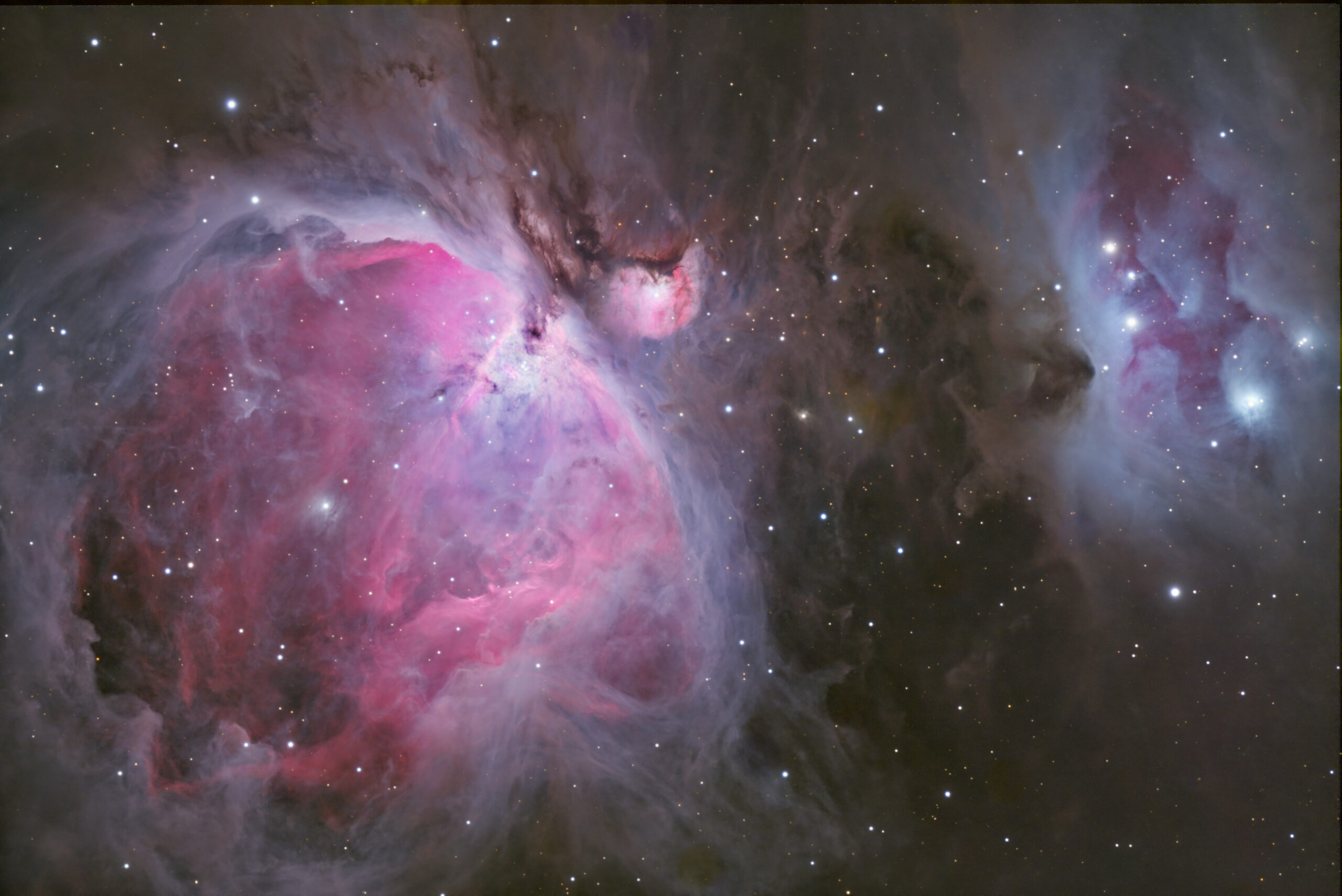
How to Process M42
of modules completed 0%
M42 Data Download
Download the data for M42. This data is used to demonstrate the recent tools of DBE, SPCC, BXT, SXT, NXT, HDRMT and more. Special…
What to do with SPCC BXT SXT NXT and HDRMT
Published 01/01/2023 This video highlights the typical “workflow” for using DBE, SPCC, BXT, SXT, NXT and more. In addition it also highlights the method…
Addendum: No Luminance!
Published 02/21/2023 The intent of the original video (the first section) was to demonstrate the method of processing the Orion Nebula and maintain both…
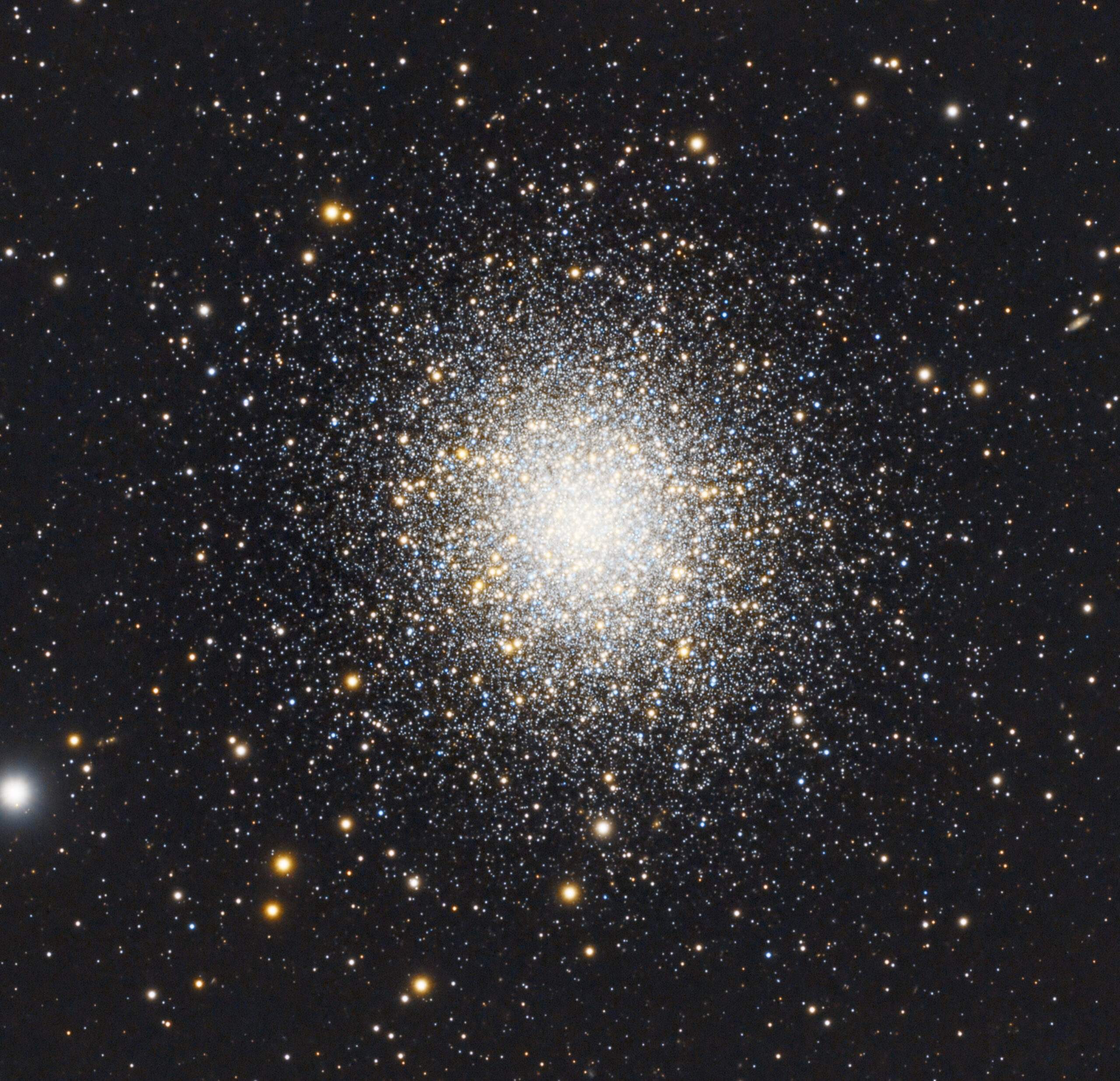
M13 Globular Cluster (OSC)
of modules completed 0%
M13 KVA Data Set
The Data for M13 courtesy of KVAstronomy.com. (Please give me/AdamBlockStudios and KVAstronomy.com attribution for any images you make of this data. Do not distribute this…
Part 1 : WBPP
Published 08/26/2022 In this section, we discuss WBPP. These OSC videos are accessible by Patreon members.
Part 2 : Local Normalization
Published 08/26/2022 In this section, we discuss Local Normalization.
Part 4 : Deconvolution
Published 08/26/2022 In this section, we discuss deconvolution of an OSC data set. However, this method is generally applicable and important to understand with respect…
Part 5 : Following Two LRGB Paths to Final Result
Published 08/26/2022 In this section two different paths of LRGB are taken and blended together for an improved result. The Russ Croman HDRMT Color Corrected…
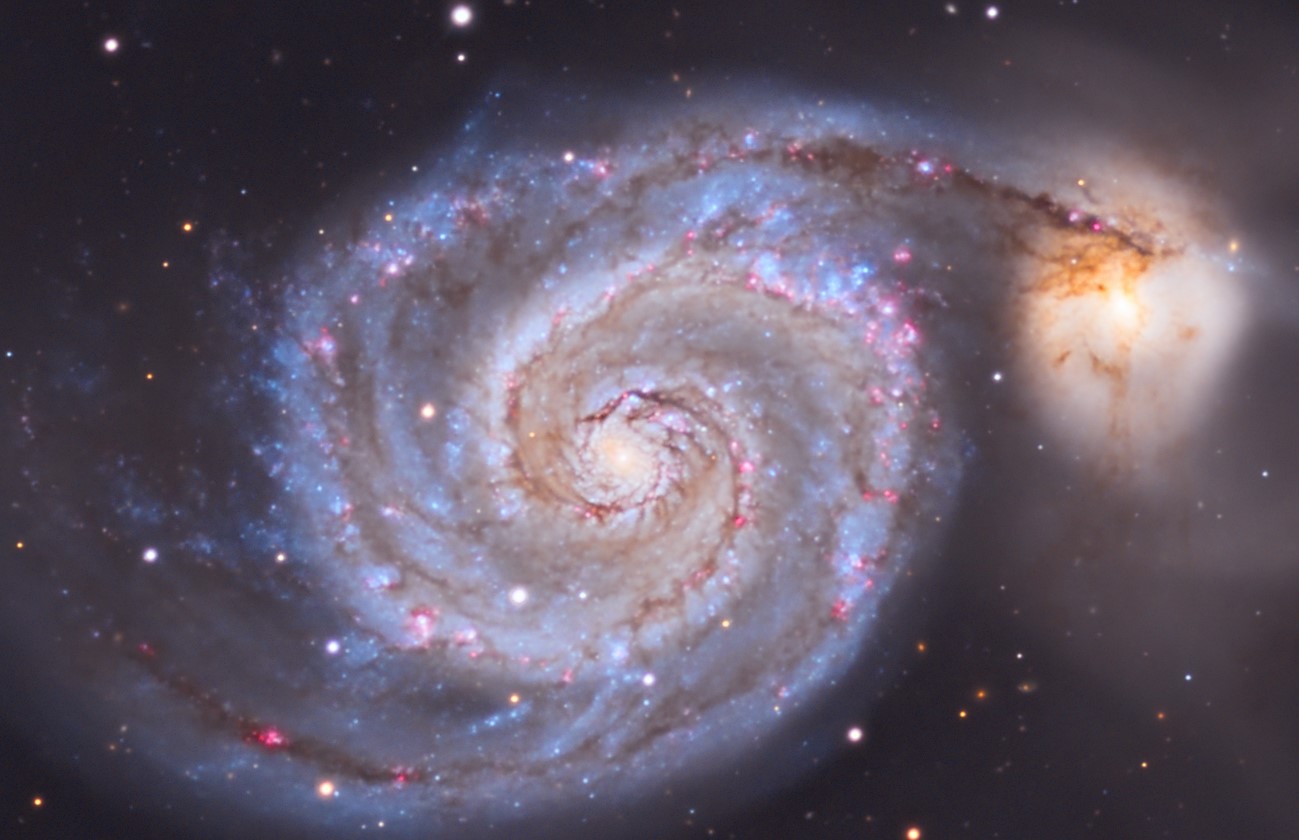
M51 and Continuum Subtraction
of modules completed 0%
M51 Data Download Courtesy of Keith Allred
Published 2022-11-18 Keith Allred M51 Data Download Data Part 1 Data Part 2
Part 2: WBPP and Fixing Banding Halpha
Published 11/04/2022 This video shows the very common problem of strange grids patterns in images caused by a lack of a pedestal (solved by using…
Part 8: LRGB: Luminance Preparation (HDRMT)
Published 2022-11-18 In this section the Luminance image is prepared in order to be blended with the RGB component.
Part 9: LRGB: Color Preparation (and LRGB result)
Published 2022-11-18 In this video the RGB image is adjusted so that it will blend well with the Luminance as part of LRGB rendering.
Part 10: Final Adjustments (Lab, USM, GHS)
Published 2022-11-18 This final section shows some post processing enhancements including Lab color adjusting, USM and GHS.
OSC NGC 300 WORKFLOW
of modules completed 0%
Cassiopeia with Canon Ra and StarAdventurer
of modules completed 0%
Resources & Downloads
There are no additional resources for this learning path.
Description
This course is built for those who want to jump into real PixInsight workflows and follow along with complete examples from start to finish. Whether you’re just getting started or already learning fundamental concepts elsewhere (like in the PixInsight Core course), this is your chance to see how it all comes together.
Each project in Workflow Examples is based on a real dataset, many of which are available for download so you can process the images side-by-side with the videos. You’ll see how common tools are used in practical scenarios—WBPP, SPCC, DBE, Local Normalization, BlurXTerminator, StarXTerminator, NoiseXTerminator and many more—while also picking up best practices, tricks, and deeper insights along the way.
And while the course isn’t designed to explain every concept from the ground up, it doesn’t require you to wait until you’ve mastered every theory either. It’s okay to learn in parallel—watch a workflow, then go deeper when you’re ready.
Updates of these kinds of workflows can be found in the Infinity Subscription!
